How I plan a clean Laravel dashboard
A practical look at organizing routes, models, admin screens, and reusable backend logic before development starts.
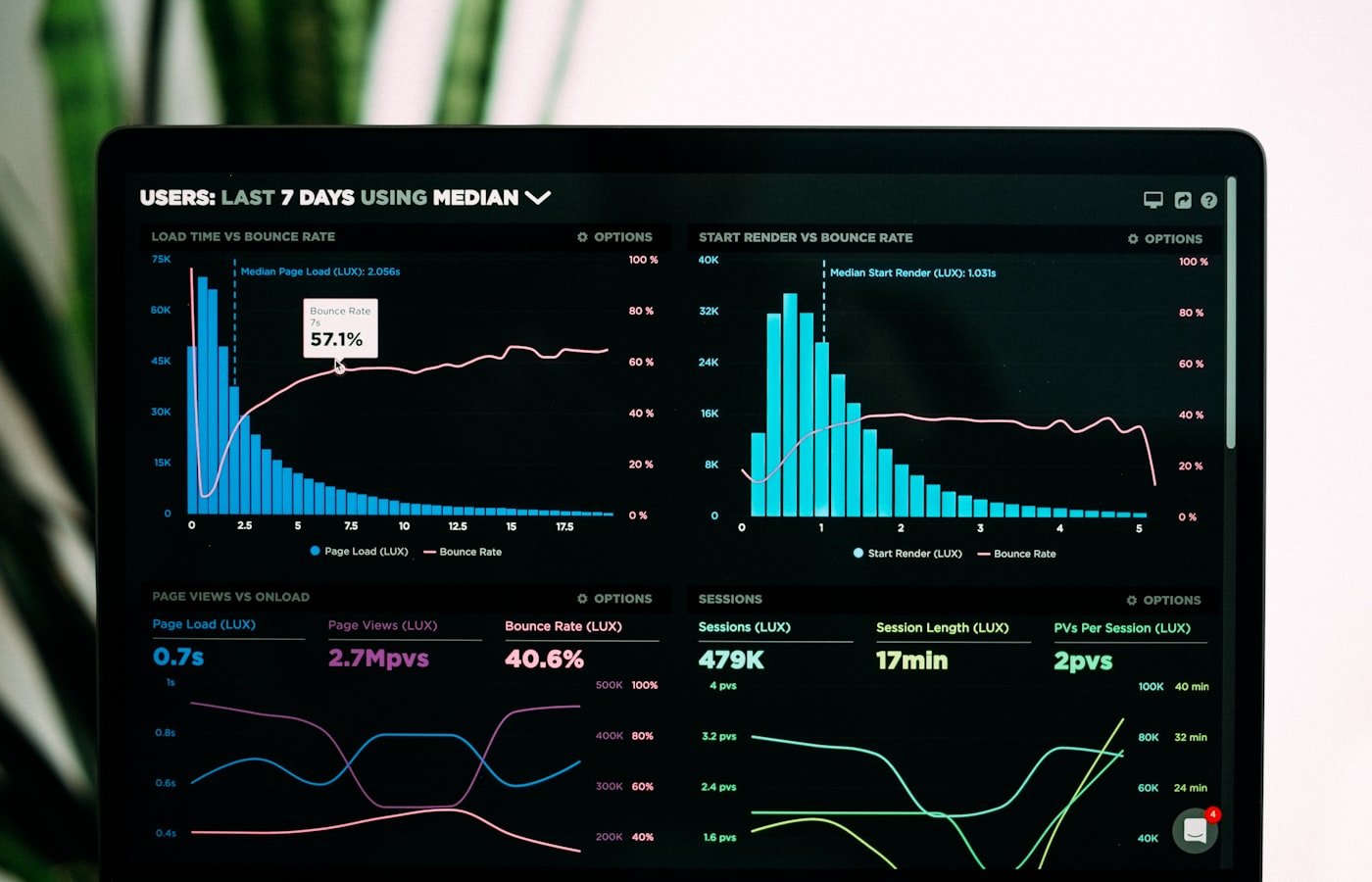
A portfolio website should do more than show a name, a few screenshots, and a contact button. It should explain how a developer thinks through real business problems. In this article, How I plan a clean Laravel dashboard is treated as a practical part of the monir.tech portfolio because it connects technical skill with a client result. The main keyword is Laravel dashboard developer, but the real goal is clarity for business owners who need a reliable admin system.
When business owners who need a reliable admin system visit a portfolio, they are usually trying to reduce risk. They want to know whether the developer understands their situation, whether the work will stay maintainable, and whether communication will be clear after the project starts. For a Laravel dashboard, the client goal is to manage content, customers, orders, reports, and daily operations without depending on a developer for every small change. That goal shapes the design, the content, and the development plan.
The planning stage is where many websites become either useful or confusing. I start by mapping roles, routes, table structure, validation rules, dashboard navigation, and the decisions users repeat every day. This keeps the project grounded in user behavior instead of decoration. It also helps the client see what will be built, why each section exists, and how the final website or application will support day-to-day decisions after launch.
Implementation should be clean enough for future changes. For this type of work, I focus on resource controllers, focused Eloquent models, request validation, reusable Blade partials, clear filters, and practical status labels. The technology matters, but the structure matters just as much. Laravel, Next.js, API integrations, responsive CSS, and admin workflows all become stronger when the code is organized around real features instead of quick patches.
SEO is also part of the build, not something to add only at the end. The search plan includes public service pages that explain the dashboard features, internal links from case studies, and metadata that describes the business outcome. This gives Google clearer signals and gives visitors a better path through the site. A good portfolio page should connect services, blog posts, case studies, and contact actions so the visitor can move from interest to trust without getting lost.
Proof is what turns a claim into something believable. For this article, the proof layer should include screenshots of the dashboard, before-and-after workflow notes, and examples of reports or admin actions that save time. Screenshots, process notes, technical details, and client-facing outcomes make the work easier to evaluate. This is especially important for a developer portfolio because many visitors are not judging only visuals; they are judging reliability.
A strong delivery process is part of the service. I include training notes, backup guidance, role documentation, and a support window after launch so the client knows what happens after the first version goes live. This makes the project feel less risky and gives both sides a shared expectation for maintenance, improvements, analytics, and future content. Good websites are not frozen after launch; they keep improving with real feedback.
For Monirujjman's portfolio, this topic also supports a broader content strategy. Articles like this help explain web development services in plain language while still showing technical depth. They support related keywords such as custom admin panel development and create internal links to services, project examples, and contact sections. That combination is useful for SEO and for real human visitors.
The best next step is to review the current website or project idea against this topic and decide what is missing. If the goal is book a short dashboard planning call, the page should make that action obvious, trustworthy, and easy on mobile. A portfolio works best when every article, service section, screenshot, and form helps the visitor understand the value of working together.